Data Recovery in Snodland: Practical Options When Your Phone, Hard Drive or Laptop Fails
A straightforward guide to realistic data-recovery options for dead phones, damaged hard drives and failing laptops — what Smart Tech can try locally in Snodland, and the signs that call for a specialist lab.
Why data recovery matters and what to expect
Losing photos, messages or important files is stressful — but not always permanent. Recovery options depend on the type of failure: a software issue or a drained battery is very different to physical damage inside a phone or a hard drive. This article explains realistic steps you can try, what Smart Tech in Holborough, Snodland (112 Poynder Dr) commonly performs on-site, and when you should plan for specialist lab work.
Initial assessment: what Smart Tech typically does first
The first step is a careful diagnostic, which Smart Tech lists among its services. A technician will check whether the device powers on, test charging and connectors, run a diagnostic scan and identify whether the problem is software, a removable storage issue, or physical damage. Many common problems — corrupted software, a failed battery, a damaged charging port or a disconnected internal cable — can be diagnosed quickly, often the same day. Customers frequently praise the fast response and clear explanation of options before any work begins.
Recovering data from dead or water‑damaged phones
If your phone died after water exposure or won’t charge, stop trying to charge or boot it and bring it in as soon as possible. Locally, Smart Tech can: perform safe corrosion cleaning, replace or test the battery and charging port, and attempt to power the phone in a controlled way to access internal storage. For phones with intact storage that can be powered, technicians can extract photos and transfer data to a new device or backup. Reviews note situations where a technician examined a water‑damaged phone at no initial cost and presented clear options for recovery, letting customers choose the best outcome for their needs.
When a failing laptop or hard drive can be recovered locally
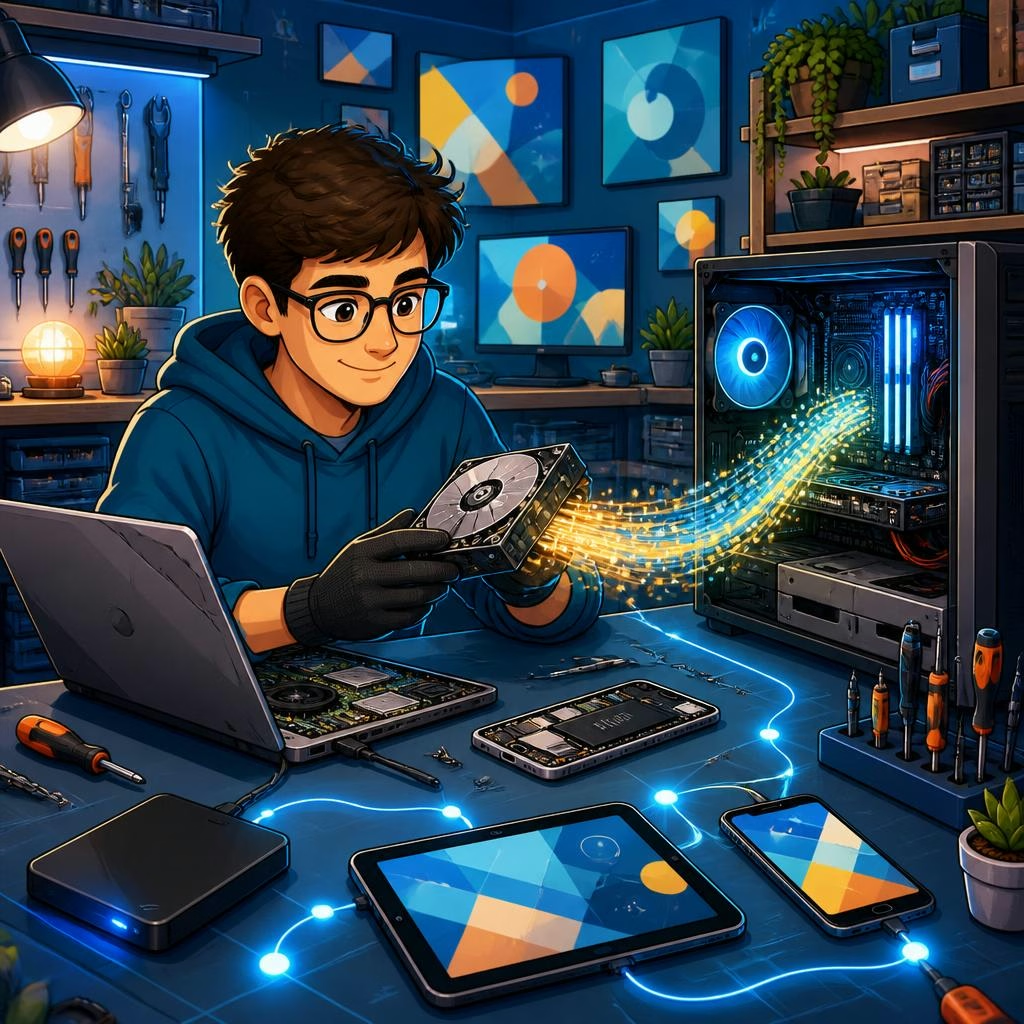
For laptops and desktop hard drives, the typical local approaches are non‑destructive: connecting the drive to a known‑good interface or enclosure, mounting it read‑only, and attempting to clone or image the drive to a healthy disk. If the problem is logical (file system corruption, accidental deletion, or a bad sector table), software tools and careful imaging can often recover files. Local success stories include customers who had broken hard drives read and recovered without needing to send the unit away.
Signs you need a specialist lab and what that means
Some failures are beyond in‑shop recovery and require a specialist data‑recovery lab with cleanroom facilities and advanced equipment. Typical signs: a drive that makes repeated clicking noises, obvious physical damage to platters or heads, severe electrical failure that burnt the controller board, or drives that fail immediately on power‑up despite multiple attempts. In these cases, further in‑shop attempts risk making recovery harder. Smart Tech can advise when a lab referral is the safer route and will explain the likely next steps and trade‑offs.
How to prepare and what to bring to Smart Tech
Before visiting, note any passwords, the account tied to the device (Apple ID, Google account), and whether you have recent backups. If possible, bring the device, its original battery or power adapter, and any external drives or cables. Expect the technician to run diagnostics first and explain options, timelines and likely costs. Customers consistently comment on clear, honest advice and reasonable pricing; some reviews also mention that Smart Tech offered transparent choices that helped avoid unnecessary expense.
Next steps and realistic expectations
If you need immediate help: stop using the device, avoid DIY attempts that involve opening or heating parts, and bring it to Smart Tech at 112 Poynder Dr, Snodland, or contact them through their business listing. The shop can often recover data from many everyday faults quickly, but for severe physical failures a specialist lab may be required. One customer who came in after water damage appreciated receiving a no‑cost initial inspection and clear options for recovery — a helpful example of how an honest assessment can guide the right choice for your data.
Customer review


Article by
Smart Tech Repair
Welcome to Smart Tech, your one-stop solution for smart device repairs. We specialise in screen replacements, battery replacements, charging port repairs, water damage repairs, and more for a wide range of devices. Whether you need repairs for your phone, tablet, laptop, desktop, Mac, or any other smart device, we've got you covered. Our skilled technicians are experienced in handling various device models and brands, ensuring top-notch service and reliable solutions. Conveniently located in Holborough, Snodland, we are dedicated to providing fast and efficient repair services to our valued customers. We understand the importance of your smart devices in your daily life, and our goal is to get them back in perfect working condition.