Phone Not Charging Properly? Simple Checks Snodland & Holborough Residents Can Try First
Practical, easy-to-follow steps Snodland and Holborough residents can try when a phone charges slowly or only at certain angles, plus guidance on when to book a charging port or battery assessment with Smart Tech.
Why try these simple checks first
If your phone charges slowly, only when held at an angle, or not at all, the problem isn't always a damaged charging port. Many common issues — worn cables, a faulty plug, software glitches or lint in the port — are quick to diagnose and often fixed at home. Trying a few straightforward checks can save time and expense, and it helps you gather useful information if you do need a professional assessment.
Start with the cable, plug and socket
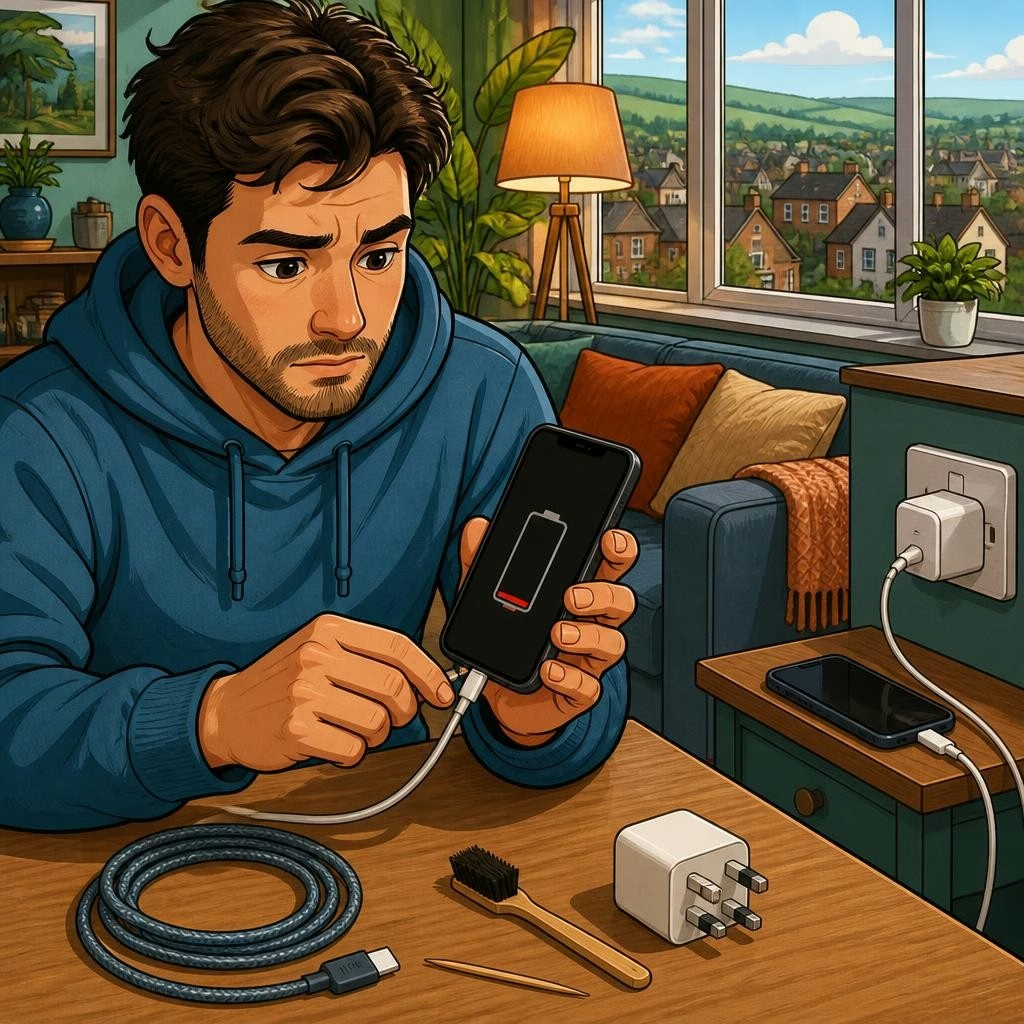
First rule: rule out the accessories and power source. Test your phone with a different cable and a different wall adapter that you know works (or try a USB port on a computer). Try the same cable with another device to see if it charges. Also check multiple wall sockets and USB ports — sometimes the issue is the plug or the socket rather than your phone. If wireless charging is supported, try a wireless charger to determine whether the problem is the port or the phone’s charging system.
Inspect and gently clean the charging port
Lint, dust or pocket debris inside the port is a very common cause of intermittent charging. Power the phone off before attempting any cleaning. Use a dry, non-metal tool (a wooden toothpick or a soft anti-static brush) to gently loosen debris, or blow short bursts of air from a can of compressed air held upright. Avoid using metal objects, liquids, or force — these can damage contacts or push debris further in. If cleaning makes charging consistent again, you’ve likely solved the problem without a repair.
Check for software and battery-related issues
Software can affect charging: restart your phone, check for OS updates, and close power-hungry apps. Some phones show a battery health or diagnostics screen in settings — look for abnormal battery wear indicators. Try charging with the phone powered off; if it charges normally, a background app or software issue may be interfering. If you recently swapped SIMs or changed settings, double-check those steps as well. These checks can point to whether the problem is software or hardware.
Signs you should book a professional assessment
Certain symptoms usually mean the charging port or battery needs professional attention: the connector feels loose or wobbly, the phone only charges at a specific angle, the device heats up when charging, visible corrosion or signs of liquid contact, or a swollen battery. If cleaning and accessory swaps don’t help, or if you see physical damage, it’s time to book a diagnostic. Continuing to use a damaged port or swollen battery can make repairs more difficult or unsafe.
What Smart Tech can do and what to expect
At Smart Tech in Snodland we carry out diagnostic scans and handle charging port repairs, battery replacements and water-damage work across phones, tablets and other devices. Customers consistently mention fast turnarounds and straightforward advice; one local customer reported their phone was fixed in under an hour and was not charged because only minimal work was needed. When you bring your device in (or arrange a drop-off), a technician will identify the root cause and explain your options — repair the port, replace the battery, or recommend data backup and recovery if needed.
How to prepare and when to contact us
Before visiting, back up important data if possible and bring any chargers or cables you’ve already tested — that helps speed up diagnosis. Note the symptoms (when it started, whether it follows water exposure, if it charges only at an angle) and any recent changes to the phone. Smart Tech is located at 112 Poynder Dr, Snodland; we serve Holborough and nearby areas and offer diagnostic checks to pinpoint the issue. If quick at-home checks don’t restore reliable charging, contact Smart Tech to arrange a professional assessment so the problem can be fixed safely and properly.
Customer review


Article by
Smart Tech Repair
Welcome to Smart Tech, your one-stop solution for smart device repairs. We specialise in screen replacements, battery replacements, charging port repairs, water damage repairs, and more for a wide range of devices. Whether you need repairs for your phone, tablet, laptop, desktop, Mac, or any other smart device, we've got you covered. Our skilled technicians are experienced in handling various device models and brands, ensuring top-notch service and reliable solutions. Conveniently located in Holborough, Snodland, we are dedicated to providing fast and efficient repair services to our valued customers. We understand the importance of your smart devices in your daily life, and our goal is to get them back in perfect working condition.