PS5, Xbox or Switch Overheating? A Snodland Parent’s Guide to Safe Console Cooling
Practical, safe steps for parents in Snodland to reduce console overheating, recognise warning signs, perform simple at-home cleaning, and know when to book a professional internal clean or repair with Smart Tech.
Why overheating matters — and what usually causes it
Game consoles generate a lot of heat during play. Common causes of overheating include blocked vents, heavy dust build-up inside the case, placing the console in an enclosed space, and prolonged high-performance use (for example online multiplayer or running demanding titles). Left unchecked, heat can make a console throttle performance, crash, or in rare cases cause internal damage that needs professional repair. For local parents, spotting and addressing early signs can avoid longer gaming interruptions and repair costs.
Signs your child’s console is running too hot
Watch for these clear warning signs: consoles becoming unusually warm to the touch, fans sounding louder than normal, games stuttering or dropping frames, unexpected shutdowns, or error messages about temperature. If your child reports that the console smells “hot” or you see persistent fan noise during light use, treat that as an early warning and act before the issue gets worse.
Quick, safe steps you can try at home
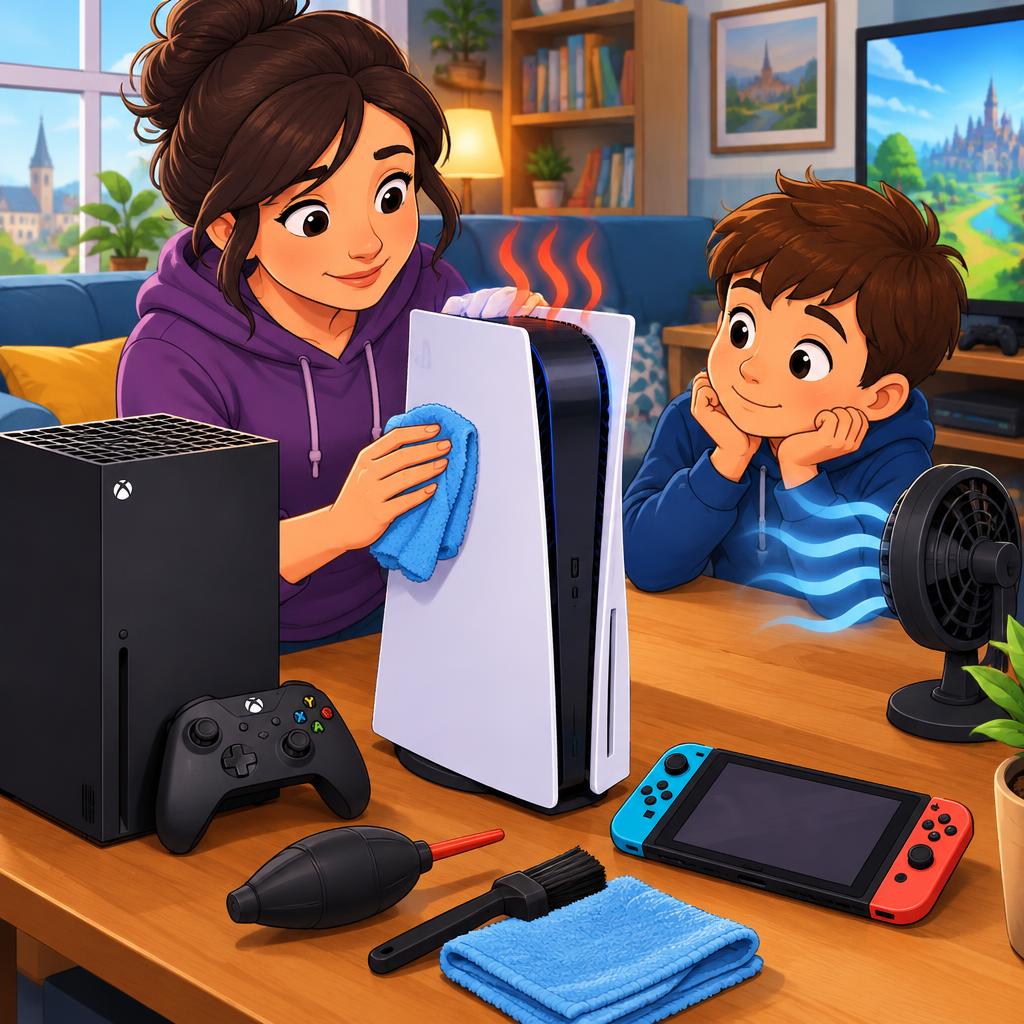
Before booking a repair, try these simple, low-risk actions: make sure the console is placed on a hard, flat surface with several inches of clearance around vents; move it out of enclosed TV cabinets; keep it away from radiators and direct sunlight; power the console off and let it cool for at least 30 minutes between long sessions; update system software when prompted, as firmware updates can improve fan control. For dust you can reach safely, use a soft brush and a low-power vacuum (kept a short distance from vents) to remove loose particles. Always unplug the console before cleaning and never operate it with panels removed.
Cleaning tools and techniques to use — and those to avoid
Gentle tools are best: a soft paintbrush, a lint-free cloth and a handheld vacuum on low suction to clear external vents. Many parents ask about canned compressed air — while it can dislodge dust, it can also push debris further into the case if used aggressively, and cold propellant can harm some components. Avoid opening the console yourself unless you have experience: warranty and safety considerations apply, and internal components are delicate. Also avoid spraying household cleaners into vents or using heat sources to ‘speed up’ drying.
When it’s time to book a professional internal clean or repair
If problems persist after basic home care — for example the fan remains noisy, the console still shuts down under normal use, or you notice performance loss — it’s time for a diagnostic and internal service. Professional technicians can safely open the console, remove internal dust, inspect fans and cooling assemblies, reseat connectors, and carry out component repairs if needed. Smart Tech lists console repairs and diagnostics among its services and has handled local emergency drop-offs and faster turnarounds for families in Snodland.
How Smart Tech helps Snodland families get kids back to gaming
Customers in the area report fast, friendly service and practical, honest advice for consoles and other devices. Smart Tech offers diagnostics and console repair services from its Snodland location and can advise whether a simple internal clean will be enough or if a deeper repair is needed. If you need a quick turnaround, it’s worth contacting the shop before dropping off so they can confirm availability and any current wait times.
A parent’s quick checklist and next steps
Keep this short checklist handy: 1) Power down and unplug a hot console and let it cool; 2) Ensure clear airflow and remove nearby items that block vents; 3) Try gentle external dusting only; 4) Update system software; 5) If issues continue, contact a local repair centre for a diagnostic. For families in Holborough and Snodland, Smart Tech on Poynder Drive performs console diagnostics and repairs — reach out to confirm opening times and book a drop-off if needed. Acting early usually means a faster fix and fewer interruptions to playtime.
Article by
Smart Tech Repair
Smart Tech Repair is a phone and device repair service in Holborough, Snodland. We replace cracked phone and tablet screens, tired batteries and faulty charging ports, and repair laptops too. We also repair games consoles: PS5 and Xbox HDMI port replacements, overheating and loud fans, blue light, power and disc drive faults, plus controller stick drift, sticky buttons and charging problems on DualSense, Xbox and Nintendo Switch controllers. Message us on WhatsApp first, then drop your device off with us in Snodland. We serve Snodland, Halling, Larkfield, Aylesford, Ditton, West Malling, Kings Hill, Burham, Wouldham and Maidstone.