Saving Family Memories: Recovering Photos from Broken Phones in Snodland
Practical guidance for anyone in Snodland facing a failed phone or tablet—what commonly goes wrong, what technicians can often recover, immediate steps to improve recovery chances, what to bring to Smart Tech, and what to expect during the recovery process.
Why photo recovery matters — and local help in Snodland
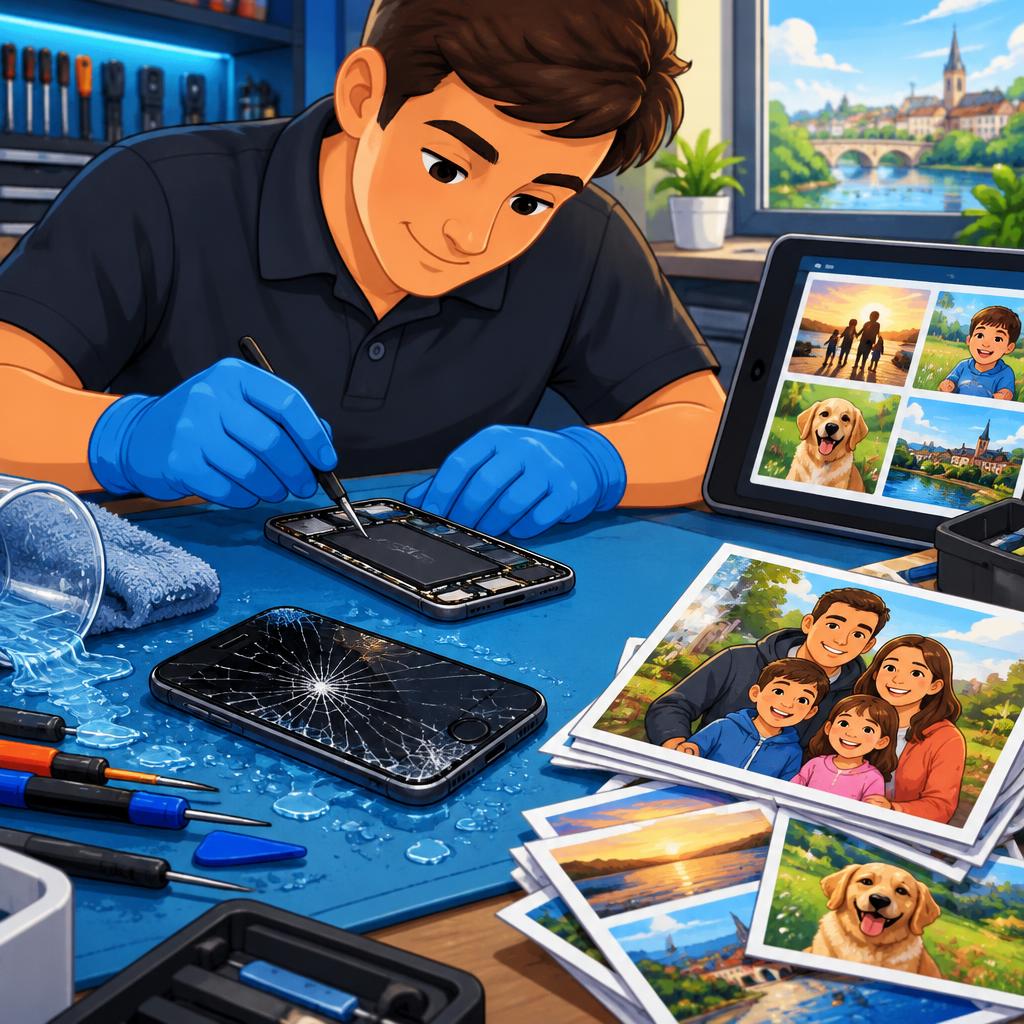
Losing a phone can mean more than losing a device: family photos, school projects, and irreplaceable moments are often at stake. If you live in or near Snodland and Holborough, Smart Tech offers device diagnostics and repairs for phones, tablets and computers that often include efforts to recover photos and transfer data to a replacement device. This article explains common failure types, what’s realistically recoverable, and how acting quickly improves the odds of saving your memories.
Common failure scenarios we see
The failures that lead people to bring devices for recovery are usually one of a few types: water or liquid damage, a phone that won’t charge or boot, smashed screens that prevent access, and internal storage or hard-disk failures. Consoles and laptops can suffer similar issues. Customers frequently contact Smart Tech after water ingress or when a device simply stops responding; in other cases the hardware is intact but the screen or battery prevents access to the files.
What technicians can often recover
Technicians can often retrieve photos even when a screen is cracked or a device won’t boot: if the storage chip or drive is intact, data extraction is possible. For water-damaged phones, recovered images are common after careful drying and diagnostic work; for hard disks or laptop drives, technicians can perform targeted data recovery. Do note that encrypted devices or unknown passcodes can limit what can be accessed without the owner’s credentials. Smart Tech’s past customers report successful recoveries and transfers from damaged phones and hard drives.
Immediate steps that improve recovery chances
How you handle the device right after failure makes a big difference. For water-damaged devices: power them off immediately and do not try to charge or power them on; remove SIM and memory cards if you can do so safely; don’t attempt to dry the device with heat (hairdryers can push moisture deeper). For devices with smashed screens or a blank display, avoid repeated forced reboots. In all cases, bring the device to a technician promptly—acting quickly reduces the chance of corrosion and further damage.
What to bring when you visit Smart Tech
Bring the device itself and any original cables or chargers (don’t plug them into a water-damaged phone). If you remember the device passcode, have it ready—some recovery steps require owner access. Note the last time you backed up the device and where (iCloud, Google, computer), and bring any replacement device you’d like data transferred to. Customers also find it helpful to bring proof of ownership if available. If you’re uncertain about passwords, tell the technician—honest communication helps them choose the right approach.
What to expect from the recovery process at Smart Tech
Smart Tech typically begins with a diagnostic scan to assess whether the storage media is readable and what approach is safest. Based on that, the technician will outline options—attempting an on-board extraction, repairing components to allow normal boot, or using specialised tools for drive recovery. Reviews from local customers describe clear explanations of options and reasonable pricing; Smart Tech also follows a practice of not charging if a device truly can’t be repaired, which customers have appreciated. Be aware that some recoveries require parts or offsite services; parts ordering or postal delays can extend timeframes in those situations.
After recovery: backups and next steps
If your photos are recovered, set up a regular backup plan to avoid future loss—options include automatic cloud backups (iCloud, Google Photos) and periodic local backups to a computer or external drive. If you prefer local help, Smart Tech can assist with transferring recovered photos to a new phone or external storage and advise on backup settings. Smart Tech is located at 112 Poynder Dr, Snodland (serving Holborough and Snodland areas). Customers report fast responses and helpful service when contacting the shop—bringing the device in as soon as possible gives you the best chance of saving family memories.
Customer review


Article by
Smart Tech Repair
Smart Tech Repair is a phone and device repair service in Holborough, Snodland. We replace cracked phone and tablet screens, tired batteries and faulty charging ports, and repair laptops too. We also repair games consoles: PS5 and Xbox HDMI port replacements, overheating and loud fans, blue light, power and disc drive faults, plus controller stick drift, sticky buttons and charging problems on DualSense, Xbox and Nintendo Switch controllers. Message us on WhatsApp first, then drop your device off with us in Snodland. We serve Snodland, Halling, Larkfield, Aylesford, Ditton, West Malling, Kings Hill, Burham, Wouldham and Maidstone.